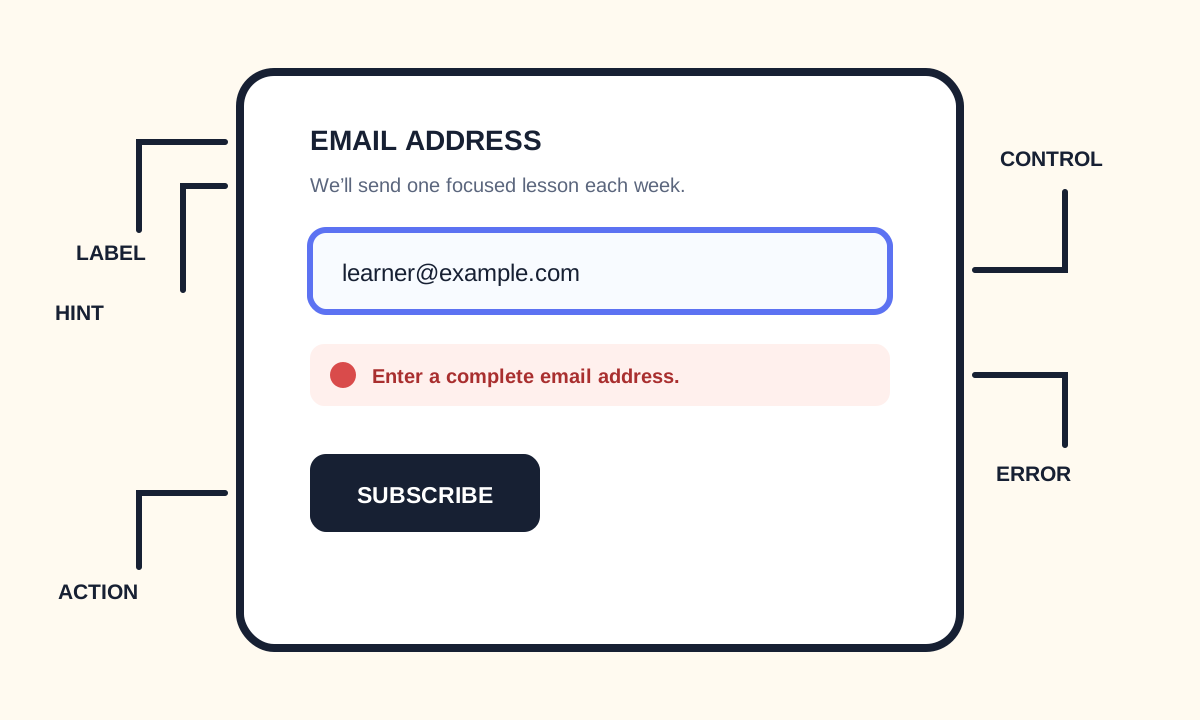
HTML Form Validation
Native HTML validation catches empty required fields, the wrong format, and out-of-range values before a request is sent. It helps people recover; it does not authorize data on the server.
Native HTML validation can catch an empty required field, an email that is not an email, or a number outside min and max before the browser sends the request. It helps people recover. It does not prove identity, permission, or that the value is safe to store.
Use constraints that match the question
required marks a field that must have a value. minlength and maxlength bound text. min, max, and step bound numbers and dates. pattern can describe a format, but a useful visible example is clearer than an unexplained regular expression. type=email and type=url already include a format check—do not duplicate them with a brittle pattern unless you have an extra rule.
<form>
  <label for="email">Email address</label>
  <input id="email" name="email" type="email" autocomplete="email" required>

  <label for="password">Password</label>
  <p id="password-hint">Use at least 12 characters.</p>
  <input id="password" name="password" type="password" autocomplete="new-password" minlength="12" required aria-describedby="password-hint">

  <label for="seats">Guests</label>
  <input id="seats" name="seats" type="number" min="1" max="8" value="1" required>

  <button type="submit">Request a place</button>
</form>- required means a value is needed, not that the value is trustworthy.
- Match constraints to the real rule.
- Keep the same rule in visible help text.
- Do not use color as the only error signal.
- novalidate turns native bubbles off when you supply an equivalent custom UI.