
HTML Editors
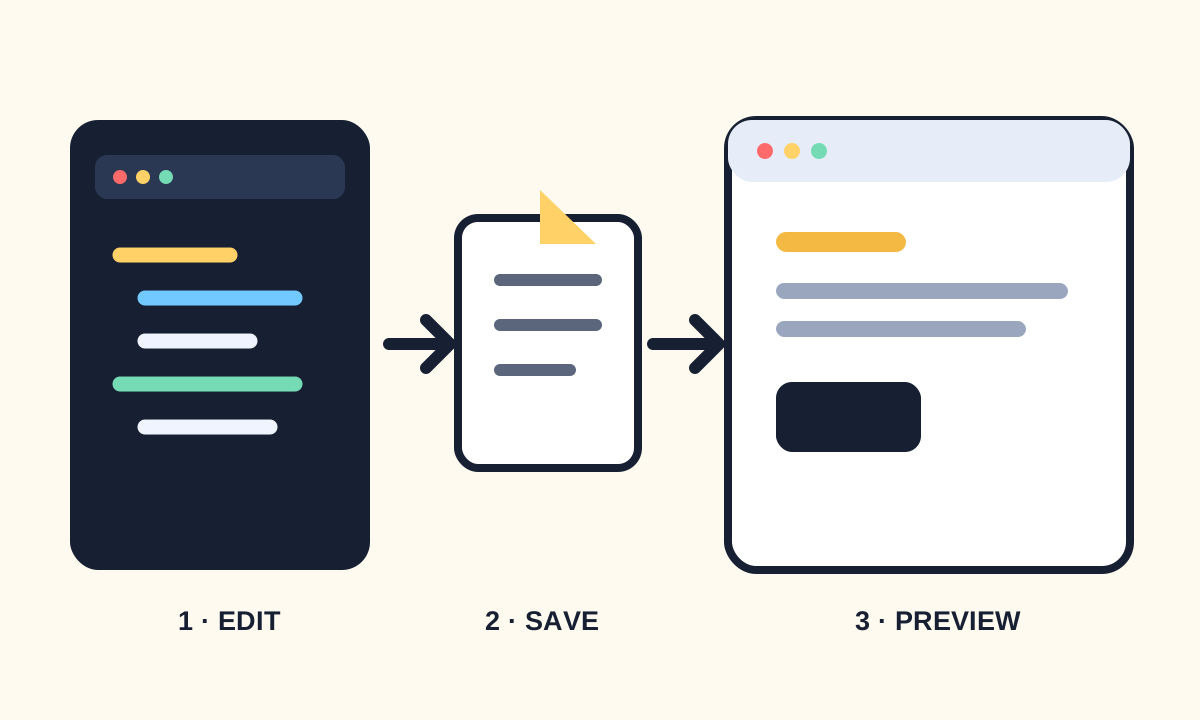
Choose an editor and learn the edit, save, and preview workflow.
An HTML editor is where you write plain-text markup. The editor does not create the web page for you: it helps you manage files, notice syntax mistakes, and repeat the edit–preview loop quickly. Any plain-text editor works, but a code editor gives you line numbers, indentation, syntax highlighting, and useful validation.
Build a dependable edit–preview loop
Create one project folder and keep related files together. Start with index.html, save it as UTF-8 text, and open it directly in a browser or through a small local development server. Make one change at a time so you can connect the source edit to the rendered result.
html-practice/
├── index.html
├── about.html
└── images/
└── profile.jpg- Use lowercase file names without spaces.
- Keep the .html extension visible.
- Indent nested elements consistently.
- Use the browser inspector to compare source structure with the rendered document.
Use editor assistance without depending on it
Autocomplete can insert tags and attributes, but it cannot decide what your content means. Read every generated element. Format the document, review matching start and end tags, and use an HTML validator when the browser silently repairs malformed markup.